 Chartist by Novagraph. Flowchart and Organization Chart Software
Chartist Tour - Saving Documents
Previous: Tour Chartist - Connect
Symbols With Lines
Next: Tour Chartist - Printing
Saving Chartist documents is pretty easy. Just use the File Save menu command, or click on the diskette Tool Button. You get a familiar Save File dialog if you have not already saved the document.
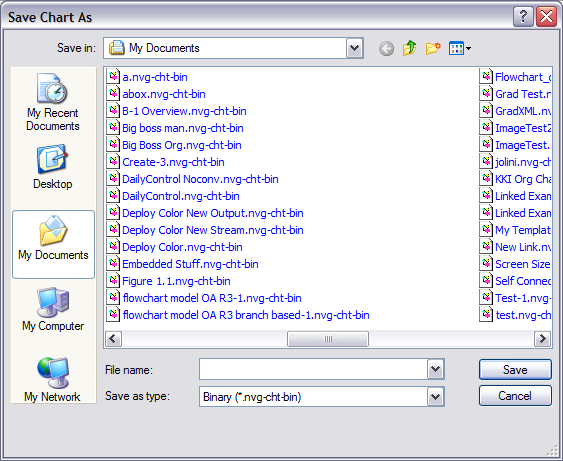
If have already saved the document, the save happens without any other prompting. Like most applications, Chartist will ask you if you want to save any changes you have made to a document when you close it.
Chartist locks a document while you are editing it. That prevents others from editing the same document at the same time.
Back to
Tour
Previous: Tour Chartist - Connect Symbols
With Lines
Next: Tour Chartist - Printing
Site Map | Privacy Policy | Contact Us | ©:2020 Novagraph